Footer
<gcds-footer>
Also called: site footer.
The footer is the responsive Government of Canada branded footer landmark.
-
Required on Canada.ca -
Required on GC sites
-
GitHub -
Figma
Footer component preview
On this page
Coding and accessibility for footers
Choose a display mode using the display property
Use the display property to choose one of the two display modes: compact or full.
Choose the compact display to include:
- The footer links band and the Government of Canada wordmark.

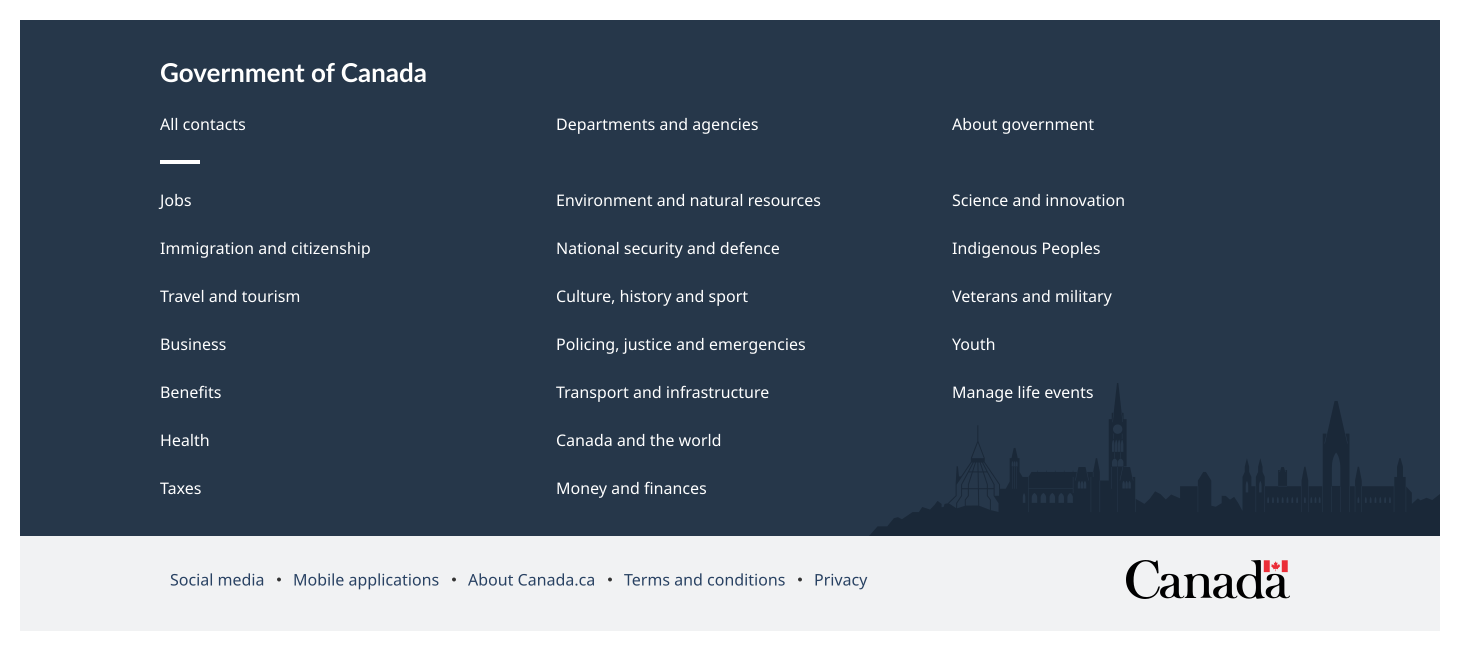
Include the full display if you need to include:
- The main band with a large selection of Government of Canada corporate links.
- The footer links band and the Government of Canada wordmark.
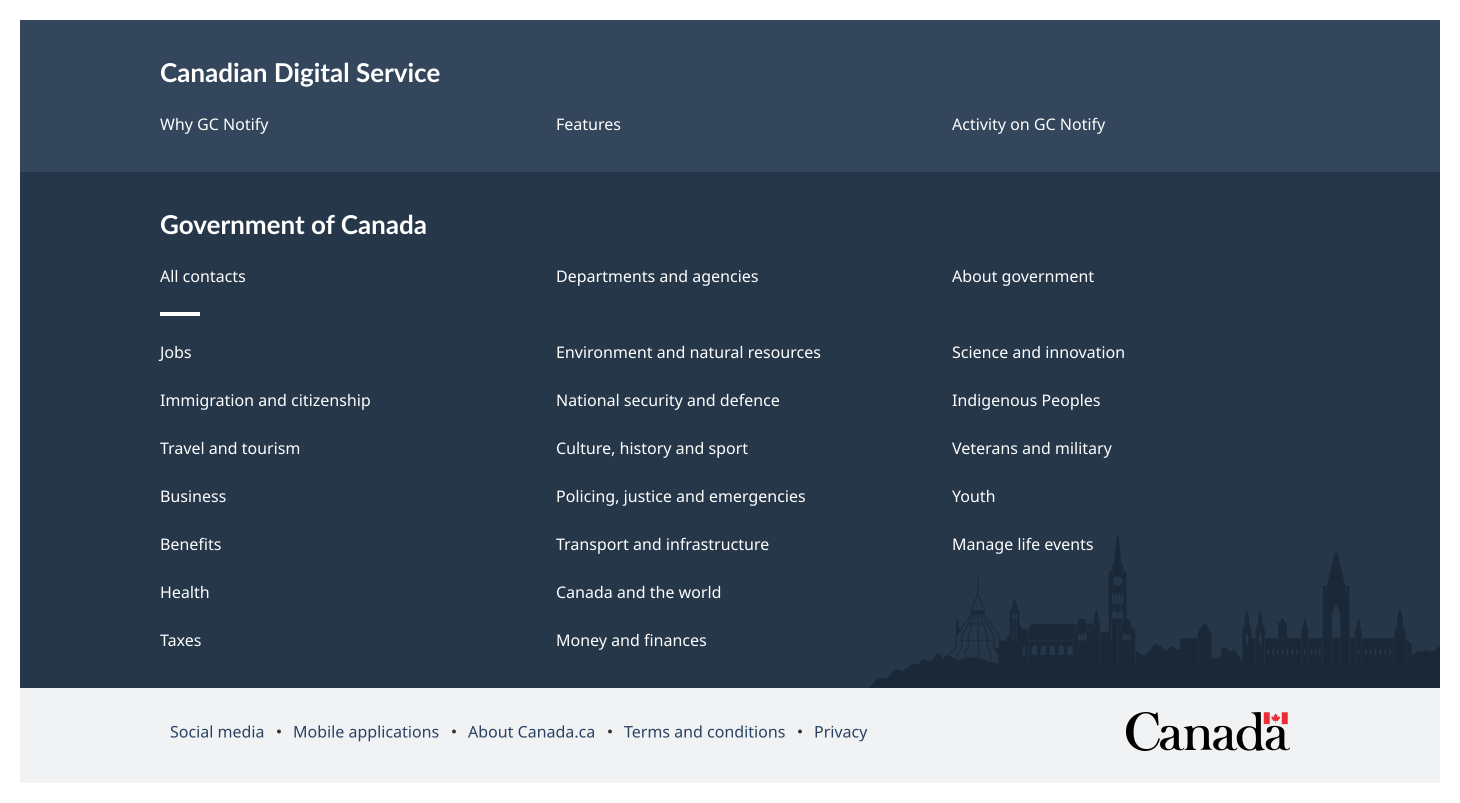
Opt to include the contextual band to add up three specific links for your site.
Set up the GC footer links band
- Always maintain the integrity of the Government of Canada wordmark. Do not modify the wordmark in any way.
- Keep the Canada wordmark, privacy link, and terms and conditions link. The other links are only required on standard pages, otherwise you can remove.
Add optional elements
- Add content to the contextual band by using both the
contextual-headingandcontextual-linksattributes. - Use the
contextual-headingattribute to assign heading text and the navigational landmark label of the contextual band. - Use the
contextual-linksattribute to set a maximum of three links in the contextual band. Add support links for your product or service, such as contact details for a program. - For the contextual band, set the
contextual-links, by passing an object or an object in a string in the following format:
{
“1st link label”: “href”
“2nd link label”: “href”
“3rd link label”: “href”
}- For the footer links band, set the
sub-links, by passing an object or an object in a string in the following format:
{
“1st link label”: “href”
“2nd link label”: “href”
“3rd link label”: “href”
}In this section
contextual-heading
The contextual-heading attribute defines the heading text for the contextual navigation section in the footer. This heading is also used to label the footer’s navigation landmark, supporting clearer structure and accessibility.
<gcds-footer contextual-heading="Canadian Digital Service" contextual-links='{ "Why GC Notify": "#", "Features": "#", "Activity on GC Notify": "#" }'>
</gcds-footer>
<img src="/images/en/components/example/example-footer-full-with-contextual-links.svg" alt="Footer component showing the contextual band, main band, GC footer links band, and Canada wordmark."/>
contextual-links
The contextual-links attribute defines the set of links displayed in the footer’s contextual navigation section. It accepts an object where each key represents the link label and each value represents the corresponding URL. Format: { link-label: link-href }.
<gcds-footer contextual-heading="Canadian Digital Service" contextual-links='{ "Why GC Notify": "#", "Features": "#", "Activity on GC Notify": "#" }'>
</gcds-footer>
<img src="/images/en/components/example/example-footer-full-with-contextual-links.svg" alt="Footer component showing the contextual band, main band, GC footer links band, and Canada wordmark."/>
display
The display attribute controls which sections of the footer are rendered. By default, it is set to compact, displaying only the sub-footer section.
<gcds-footer></gcds-footer>
<img src="/images/en/components/example/example-footer-compact.svg" alt="Footer component showing the GC footer links band for a standard Canada.ca page, with Social media, Mobile applications, About Canada.ca, Terms and conditions, Privacy, as well as the Canada wordmark."/>
When it is set to full, both the main footer and sub-footer sections are displayed.
<gcds-footer display="full"></gcds-footer>
<img src="/images/en/components/example/example-footer-full.svg" alt="Footer component showing the main band above the GC footer links band and the Canada wordmark."/>
sub-links
The sub-links attribute defines the set of links displayed in the sub-footer section. It accepts an object where each key represents the link label and each value represents the corresponding URL. Format: { link-label: link-href }.
<gcds-footer sub-links='{ "Terms and conditions": "#", "Privacy": "#" }'>
</gcds-footer>
<img src="/images/en/components/example/example-footer-compact-sub-links.svg" alt="Footer component showing the GC footer links band for a non-standard Canada.ca page, with Terms and conditions, Privacy, and the Canada wordmark."/>
Code builder
Generate an instance of the component you need by selecting its code properties.
-
Explore by choosing different code values to generate the instance you want.
-
Get the code and pull it into your environment.
-
Add any copy you need to the component (like text for a label).
Note: The code builder uses English for all code elements, which follows standard practice.
Help us improve
Have questions or a request? Give feedback on our contact form.
Something's wrong? Raise it through GitHub with an